SysmonView is a Windows GUI-based tool that visualises Sysmon Logs.
Before using this tool, we must export the log file's contents into XML via Event Viewer.
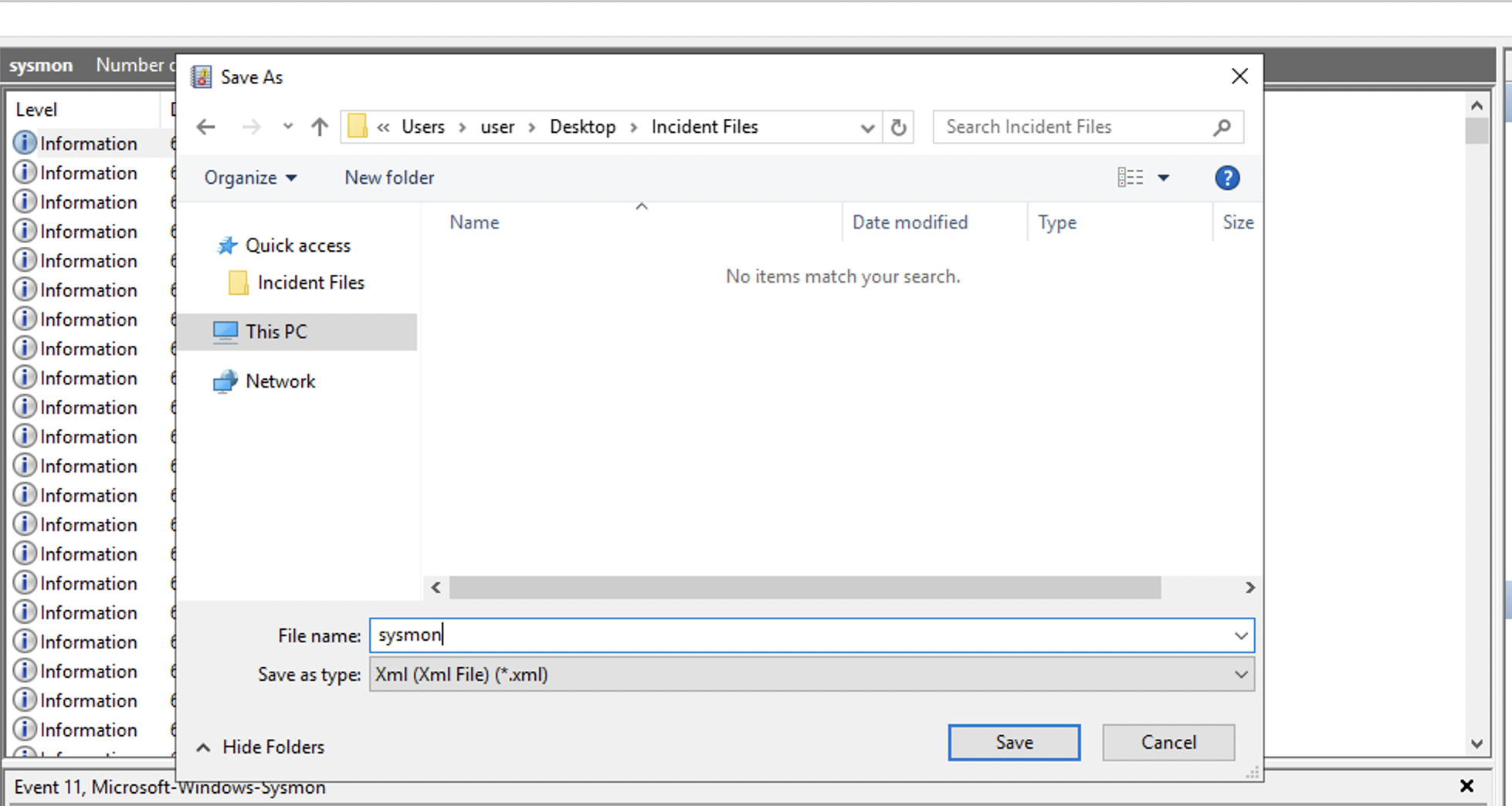
The machine will notify you once the file has been successfully exported.
Usage:
- Go to
File > Import Sysmon Event Logsthen choose the XML files generated using the Event Viewer. - Once loaded, the left sidebar has search functionality that can filter a specific process in mind.
- Choose the image path and session GUID to render the mapped view.
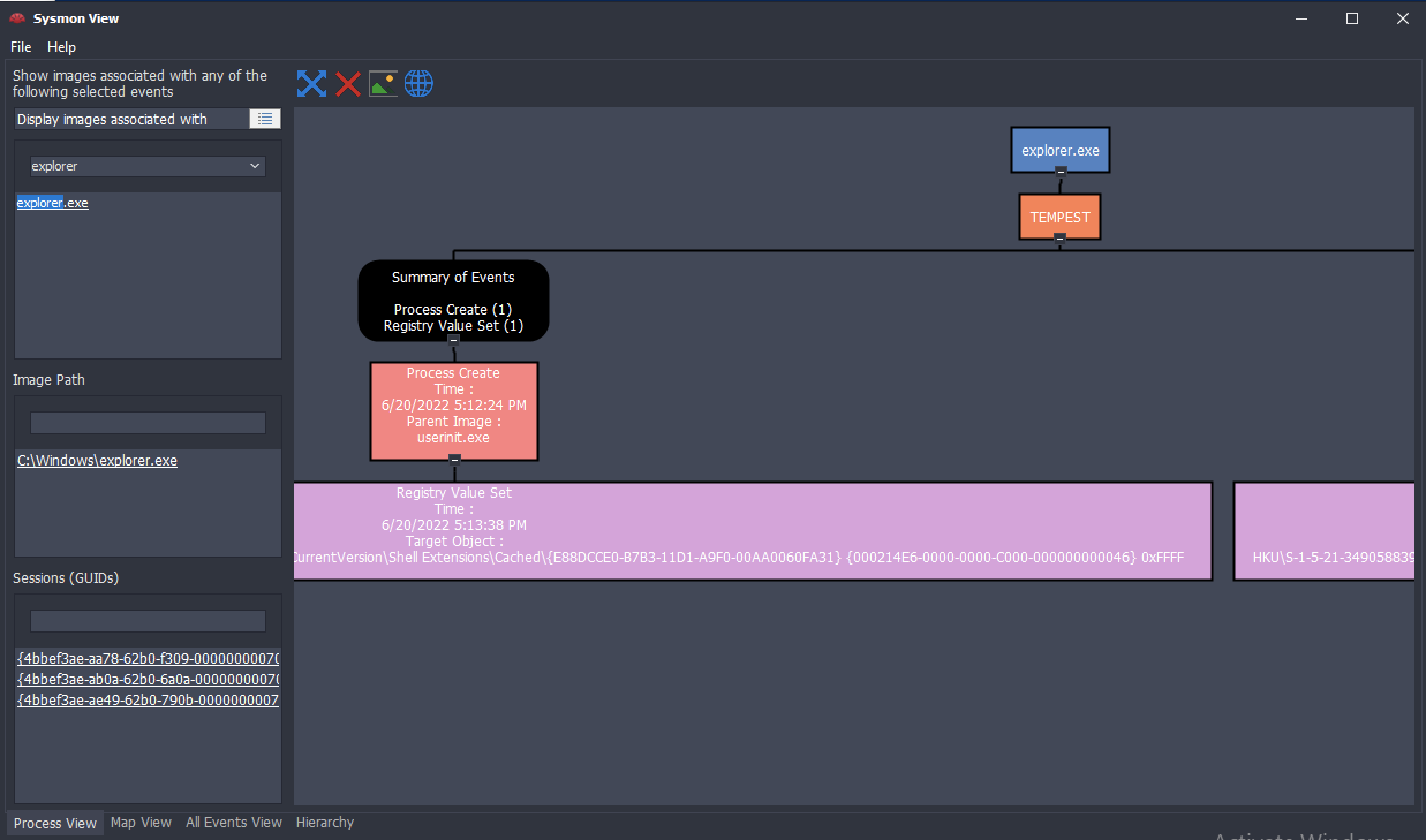
This tool can easily view the correlated events from a specific process. The example above summarises all Sysmon events related to explorer.exe.